
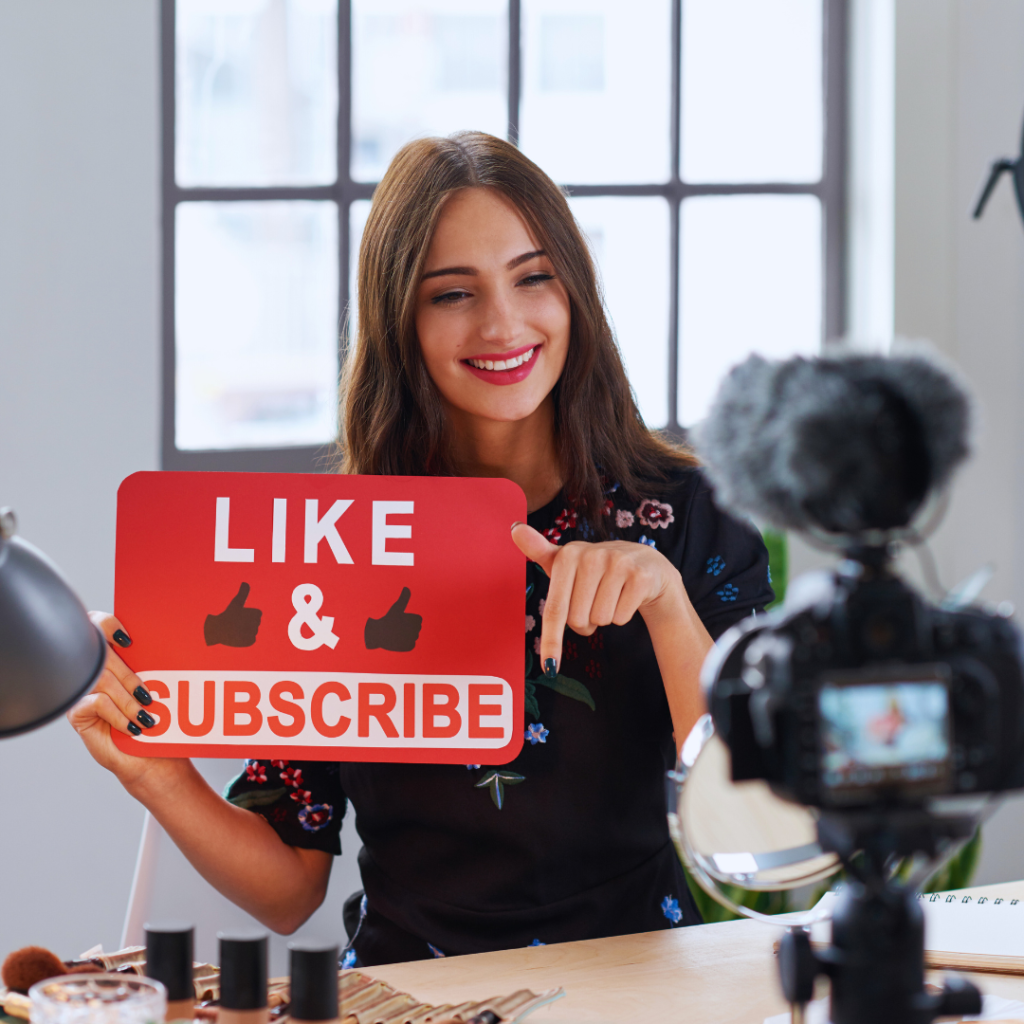
Starting a YouTube entertainment channel begins with choosing a clear niche and understanding your target audience. Creating consistent, engaging content that resonates with viewers is key to building a loyal following. Focus on quality videos, regular uploads, and authentic interaction to grow your channel effectively.
Equipping yourself with basic video production tools and learning how to optimise your content for YouTube’s algorithm will improve your reach. Branding your channel with eye-catching visuals and a unique style also helps you stand out from the competition.
Success on YouTube requires planning and patience. Knowing your content goals and continuously analysing viewer feedback will guide your growth and content strategy over time.
Defining Your Channel’s Entertainment Niche
Choosing a clear niche sets the foundation for your YouTube entertainment channel. Focus on what makes your content different, understand which entertainment areas attract viewers, and analyse what your target audience wants to watch.
Identifying Your Unique Value
Your unique value is what separates your channel from others. Consider your skills, personality, and interests. For example, if you enjoy comedy and have a knack for storytelling, combining those can become your signature style.
Write down three to five strengths or passions that you want to highlight. This helps form a consistent voice and style viewers can recognise.
Your unique value can also come from your approach—whether it’s how you edit, your humour style, or the themes you explore. Clarity here ensures your content stands out in a crowded space.
Researching Popular Entertainment Genres
Explore popular genres like gaming, reaction videos, sketches, music covers, or challenges. Use YouTube Trending and social media to see which types of content gain traction.
Create a simple comparison table:
|
Genre |
Popularity Level |
Audience Age Range |
Content Style |
|
Gaming |
High |
13-35 |
Interactive, energetic |
|
Reaction |
Medium |
15-40 |
Opinionated, casual |
|
Sketch Comedy |
Medium |
18-30 |
Scripted, humorous |
Focus on genres that align with your unique skills and interests. Avoid copying trends blindly; adapt what fits your voice.
Evaluating Audience Interests
Analyse what your target audience engages with using YouTube Analytics, comments, and competitor channels. Note which videos receive the most views, likes, and shares.
Consider factors like audience demographics, content length preferences, and popular upload times. Tailor your niche to these patterns.
Engaging with your viewers through polls and feedback slots can also refine your understanding. Adjust your niche based on actual audience behaviour to build loyalty and growth.
Setting Up Your YouTube Channel
Starting a YouTube entertainment channel requires initial steps that set a strong foundation. These include creating the necessary account, selecting a memorable channel name, and designing branding elements that represent your content style clearly.
Creating a Google Account
To begin, a Google account is mandatory to access YouTube’s channel creation tools. If you already have one, verify that it uses a professional email and has accurate recovery options set up.
When creating a new account, use a username aligned with your channel’s identity. Avoid personal email addresses that may confuse your audience or reduce brand consistency.
After signing up, enable two-factor authentication for better security. This protects your channel from unauthorised access and potential disruptions.
Choosing a Channel Name
Your channel name should be unique, easy to remember, and reflect the type of entertainment you offer. Avoid complicated spelling or overly long names that viewers might forget or mistype.
Check for availability across social media platforms to maintain consistent branding. It also helps with future marketing efforts and audience recognition.
Consider keywords that relate to your niche, but keep the name simple enough to create a solid brand presence. Avoid names that could limit your content variety.
Designing Branding Elements
Visual branding includes your channel icon, banner, and thumbnails. Use consistent colours, fonts, and styles to create a professional and cohesive look.
Your channel banner should clearly display your channel’s focus and upload schedule if applicable. Keep the design clean and readable across devices.
Custom thumbnails increase click-through rates; design thumbnails with clear images and bold text. Use tools like Canva or Adobe Spark for easy template creation.
Create an appealing channel icon that stands out in search results and fits well in smaller sizes. This reinforces your brand identity with every interaction.
Planning Your Entertainment Content
Success on YouTube starts with clear and focused content planning. This includes generating fresh ideas, organising those ideas into series, and establishing a reliable publishing schedule.
Developing Creative Video Ideas
Identify what entertains your target audience by researching trending topics within your niche. Use tools like Google Trends and YouTube’s Explore page to find popular subjects.
Brainstorm a variety of concepts, such as challenges, reaction videos, or scripted sketches. Write down all ideas without judgment, then narrow them by feasibility and originality.
Consider your strengths and unique perspectives to stand out. Keep a running list of ideas in a spreadsheet or note app to revisit and expand later.
Structuring Video Series
Create a video series around themes that can generate recurring interest. For example, a “Celebrity Impressions” series or “Movie Review Mondays” offers predictable content your viewers can anticipate.
Outline the format for each episode, including intro, main content, and outro, to maintain consistency. This structure helps you stay organised and improves viewer retention.
Limit each series to a manageable length, such as 5–10 episodes initially, so you can evaluate its performance and audience reception before expanding.
Creating a Content Schedule
Set a realistic publishing frequency based on your production capacity. For instance, start with one or two videos per week and increase if sustainable.
Use a calendar tool or content management software to plan filming, editing, and upload dates. Consistency builds audience trust and encourages regular viewership.
Factor in special events, holidays, or trending moments to maximise reach. Buffer time for unexpected delays ensures you never miss a deadline.
Producing High-Quality Entertainment Videos
Creating engaging entertainment content involves choosing the right tools, capturing footage effectively, and editing videos to maintain viewer interest. Each step requires attention to detail and practical decisions to ensure your videos look professional and keep audiences watching.
Selecting Equipment and Software
Start with a camera that balances quality and budget. DSLR or mirrorless cameras provide sharp images, but a good smartphone with a high-resolution camera can also work well for beginners. Invest in a tripod to keep shots steady and consider external microphones for clear audio.
Lighting impacts video clarity significantly. Use natural light or affordable softbox lights to reduce shadows and create a flattering look. For editing, software like Adobe Premiere Pro or DaVinci Resolve offers advanced features. Beginners might prefer easier tools like iMovie or Filmora. Prioritise software that supports multiple formats, good audio mixing, and colour correction.
Filming Techniques
Plan your shots with storyboarding or a simple shot list to maintain flow. Use the rule of thirds to position subjects effectively in the frame. Keep scenes dynamic by incorporating different angles, like close-ups and wide shots.
Avoid shaky footage by stabilising the camera with a tripod or gimbal. Ensure audio is recorded separately if possible, reducing background noise. Pay attention to framing, lighting consistency, and background clutter, which can distract viewers.
Editing for Engagement
Trim unnecessary footage tightly to keep the pacing fast and viewers interested. Add cutaways or reaction shots to break monotony. Use transitions sparingly; simple cuts or fades often work best.
Incorporate music and sound effects to enhance the mood, but keep volume balanced with dialogue. Colour grading can improve the visual tone and coherence. Add captions or graphics for accessibility and emphasis. Export videos in HD and at formats compatible with YouTube standards for the best playback quality.
Optimising Videos for YouTube Search
Properly optimising videos improves discoverability and drives more views. Focus on clear titles, eye-catching thumbnails, and precise metadata to help YouTube’s algorithm understand your content.
Crafting Compelling Titles
Titles should be concise and include primary keywords early. Use terms that your target audience is likely to search for, avoiding vague or clickbait language.
Keep titles under 60 characters to prevent truncation in search results. Adding numbers or questions can increase engagement, such as “Top 5 Comedy Skits” or “How to Make Viral Videos.”
Avoid keyword stuffing; instead, make titles descriptive and relevant to the video content. This improves click-through rates and viewer retention.
Designing Custom Thumbnails
Thumbnails serve as the first visual impression. Create custom images with high contrast, clear text, and expressive faces if applicable.
Use a resolution of 1280×720 pixels to ensure clarity across devices. Consistent branding, like colours or logos, fosters channel recognition.
Avoid clutter; focus on a simple, bold design that conveys the video’s topic quickly. This increases the chance viewers will click your video over others.
Using Effective Tags and Descriptions
Tags help YouTube categorise your video, but hold less weight than titles and thumbnails. Use a mix of broad and specific keywords related to the content.
In descriptions, place important keywords naturally within the first two sentences. Include links, timestamps, and calls to action to enhance the viewer experience.
Descriptions should be at least 200 words to provide context and boost search relevance. Avoid irrelevant tags or keyword stuffing, as this may hurt channel authority.
Launching and Promoting Your Channel
Effective promotion starts with a strong initial announcement and continues through consistent social media use and collaborations. These steps build visibility, attract viewers, and create a network to grow your audience.
Announcing Your Channel Launch
Prepare a clear launch announcement that highlights what your channel offers. Use a compelling video trailer or a well-crafted post to introduce the channel’s theme, upload schedule, and content style.
Timing matters. Coordinate your announcement across platforms to create a buzz. Share it on your existing social media accounts and relevant online communities. Use a call to action, such as asking viewers to subscribe or share.
Include key details like your upload frequency and what makes your channel different. Use visually appealing thumbnails and branding to make the launch memorable.
Leveraging Social Media
Social media platforms like Instagram, TikTok, Twitter, and Facebook are crucial for attracting initial viewers. Post teasers, behind-the-scenes clips, and highlights to keep potential subscribers engaged.
Use hashtags strategically to reach your target audience. Analyse which platforms your viewers frequent most and focus your efforts there.
Consistency is key—set a content posting schedule for social media. Engage openly with comments and messages to build community and loyalty early on.
Paid promotions can amplify reach, but start with organic growth to understand your audience better.
Collaborating with Other Creators
Partnering with creators in similar niches expands your reach. Collaboration can be in the form of guest appearances, joint videos, or shout-outs.
Choose collaborators with audiences that align with your channel. This ensures viewers will find your content relevant and engaging.
Be professional and clear about expectations, timelines, and content goals before starting. Collaboration benefits both parties and can lead to long-term networking.
Cross-promoting each other’s channels provides mutual growth opportunities and increases credibility among viewers.
Building and Engaging Your Audience
Growing a YouTube entertainment channel involves consistent interaction and active encouragement of viewer involvement. Effective communication and real-time engagement help create a loyal community around your content.
Responding to Comments
Replying to comments promptly shows viewers that their opinions matter. Focus on meaningful interactions by answering questions, thanking fans, and addressing critiques constructively.
Prioritise responses on popular and early comments to boost engagement metrics. Use personalised replies instead of generic phrases to make viewers feel valued. This practice encourages others to comment, increasing video visibility.
Avoid ignoring negative feedback. Respond professionally to criticism to maintain a positive channel reputation. Consider pinning insightful or funny comments to encourage further discussion.
Hosting Live Streams
Live streams provide direct interaction and a dynamic environment for audience connection. Plan streams around engaging topics or events relevant to your channel’s niche.
Promote streams in advance using community posts and social media. Use live chat to answer questions and react in real time, increasing viewer engagement and watch time.
Enable features like Super Chat or channel memberships during streams to monetise and reward loyal viewers. Maintain a consistent streaming schedule to build anticipation and routine attendance.
Encouraging Viewer Participation
Involve your audience by asking questions, creating polls, and inviting video challenges or submissions. This boosts engagement and helps understand audience preferences.
Use end screens and video descriptions to prompt likes, comments, and shares. Host contests or giveaways to incentivise participation, setting clear rules and deadlines.
Highlight viewer contributions in videos or community posts to foster a sense of belonging. Adapt content based on viewer feedback to demonstrate your attentiveness and improve channel relevance.
Analysing Performance and Growing Your Channel
Tracking key metrics, refining your content based on data, and setting realistic targets are essential to expand your reach. Focus on measurable actions that directly influence viewer engagement and subscriber growth.
Interpreting YouTube Analytics
YouTube Analytics provides detailed data on watch time, audience retention, traffic sources, and demographics. Watch time shows how long viewers stay on your videos, which helps identify engaging content. Audience retention highlights where viewers drop off, guiding you to improve video pacing or structure.
Traffic sources tell you where viewers find your videos—search, suggested videos, or external sites—informing where to focus promotion efforts. Demographic data helps tailor content to your core audience’s interests and viewing habits. Regularly reviewing these metrics enables data-driven decisions.
Adjusting Content Strategy
Use analytics insights to refine your video topics, formats, and posting schedule. For example, if viewers consistently drop off at certain timestamps, consider shortening videos or making intros more engaging. High-performing content types should be increased, while underperforming ones can be modified or phased out.
Experiment with new trends or formats, but keep track of changes in engagement. Posting frequency also matters: consistent uploads maintain audience interest, while irregular schedules may cause drops in viewer retention. Be flexible, but deliberate in updates.
Setting Growth Goals
Define clear, measurable objectives such as reaching a specific subscriber count or increasing average watch time by a certain percentage. Break these goals into monthly or quarterly milestones to track progress systematically.
Use goals to guide content planning and marketing efforts. For example:
|
Goal Type |
Example |
Purpose |
|
Subscriber Growth |
Gain 500 new subscribers/month |
Expand core audience |
|
Watch Time |
Increase by 20% in 3 months |
Boost video engagement |
|
Upload Frequency |
Upload 2 videos per week |
Strengthen viewer retention |
Set realistic and time-bound goals to maintain focus and motivation.
Monetising and Scaling Your Entertainment Channel
To grow your entertainment channel financially, focus on eligibility requirements, partnerships, and multiple revenue streams. Applying proven strategies will increase your earnings and help you reach a wider audience.
Applying for the YouTube Partner Program
To monetise videos directly through YouTube, join the YouTube Partner Program (YPP). You need at least 1,000 subscribers and 4,000 watch hours in the past 12 months. Once eligible, enable monetisation in your account settings.
YPP allows earning through ads, channel memberships, and super chats during live streams. Follow YouTube’s policies closely to avoid demonetisation. Consistently creating content that complies with guidelines maximises revenue opportunities.
Exploring Sponsorship Opportunities
Brand deals offer significant income beyond ads. Approach companies aligned with your entertainment style, or use platforms like FameBit or Grapevine to connect with sponsors. Tailored pitches highlighting your audience size and engagement improve chances.
Negotiate clear deliverables, including video mentions, product placements, or custom content. Transparency with viewers about sponsorships builds trust. Regularly review contracts and avoid deals that may harm your channel’s reputation.
Diversifying Revenue Streams
Do not rely solely on ads or sponsorships. Consider merchandise sales, Patreon support, or exclusive content on platforms like OnlyFans or Ko-fi. Diversification stabilises income and expands your brand.
Use analytics to identify what your audience prefers and what products or services they might buy. Offering varied income sources reduces risk and encourages long-term growth.