
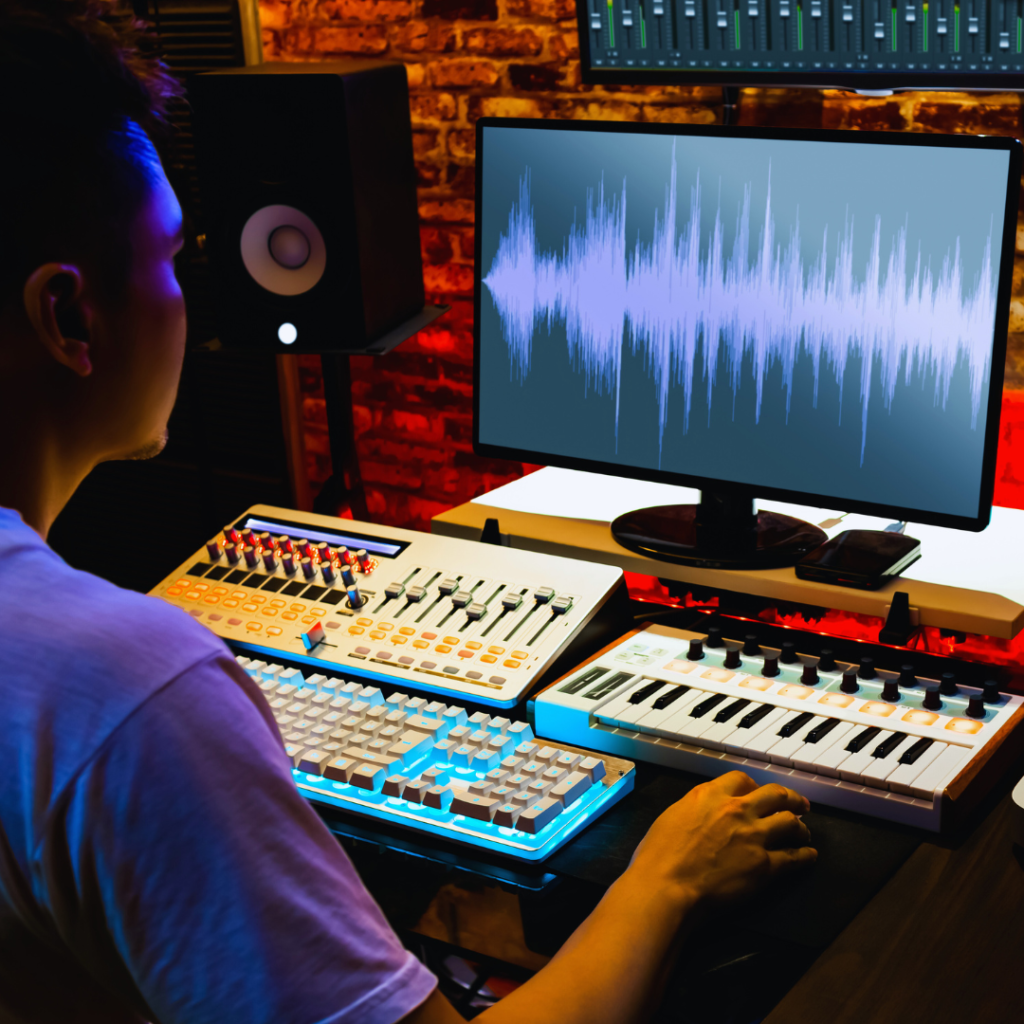
Music production has evolved with technology, making powerful tools accessible online. Whether you’re a beginner or a professional, the right tools can streamline your workflow and enhance your creativity. The best online tools for music production offer features like easy collaboration, high-quality sound libraries, and intuitive interfaces.
These platforms eliminate the need for expensive hardware or software downloads, allowing music creators to work from anywhere with an internet connection. They support a variety of genres and skill levels, making music production more inclusive.
Exploring these tools can help you find solutions tailored to your style and goals. Knowing which ones deliver reliable performance and useful features will save time and improve your music-making process.
Essential Online Music Production Tools
Online music production tools vary in function, from full digital audio workstations to specialised instruments. Each offers distinct capabilities tailored to different stages of music creation, providing flexibility without heavy software installations.
Digital Audio Workstations (DAWs)
Online DAWs provide comprehensive environments for recording, editing, mixing, and arranging music. These platforms support multi-track recording and offer built-in effects, virtual instruments, and automation features.
Popular options include Soundtrap and BandLab, both known for user-friendly interfaces and cloud-based collaboration. They allow real-time teamwork, enabling multiple users to work on the same project simultaneously. Most online DAWs support exporting in various formats such as WAV and MP3, making final outputs easy to share or publish.
The key advantage is accessibility. Users only need a web browser and an internet connection, eliminating the need for powerful hardware. Advanced features like MIDI support and plugin integration are increasingly common in these tools.
Cloud-Based Beat Makers
Cloud-based beat makers focus on drum programming and loop sequencing. These tools simplify beat creation through drag-and-drop interfaces and pre-designed sample packs.
Platforms like Splice Beat Maker and Audiotool provide extensive libraries of sounds and loops. Users can combine samples, tweak patterns, and layer sounds to develop complex rhythms without detailed music theory knowledge.
These tools often include tempo controls, swing adjustments, and basic mixing features. Their strength lies in speed and ease, enabling rapid beat production suitable for genres such as hip-hop, electronic, and pop.
Collaboration features and project sharing are common, allowing producers to exchange ideas and remix beats in a cloud environment.
Browser-Based Synthesisers
Browser-based synthesisers generate sounds via web interfaces with options to tweak oscillators, filters, envelopes, and modulation. They recreate a variety of synth types from analogue to digital.
Well-known examples include Audiotool’s Polysynth and Synth1 online clones. These synths provide hands-on control with knobs and sliders, allowing precise sound design straight from a browser.
Users can save presets, export audio clips, or integrate these synths within DAWs or beat makers for added texture. These tools suit producers seeking custom sound creation without investing in hardware synths.
Latency and DSP limitations can restrict complexity, but typically are adequate for most songwriting and sound experimentation needs.
Collaboration and File Sharing Platforms
Efficient collaboration and seamless file sharing are crucial for modern music production. The tools covered here enable multiple users to work together smoothly while maintaining version control and high-quality audio exchange.
Online Project Collaboration
Platforms like Splice and Soundation allow producers to share project files and stems with collaborators directly through the cloud. These services support version tracking, so every change is logged and reversible. This feature reduces confusion and conflict during teamwork.
Most tools provide integration with popular DAWs, simplifying the import and export process. Collaborators can leave comments and suggestions within the project environment, enhancing communication. Additionally, many platforms offer access controls to secure projects and manage contributions among multiple users.
Real-Time Audio Sharing
Real-time audio sharing tools like Audiomovers and JamKazam enable instant streaming of high-fidelity audio between collaborators. These platforms reduce latency and maintain sound quality, essential for live sessions or remote tracking.
They typically support multichannel audio and synchronisation features, allowing musicians and engineers to interact as if in the same studio. Some services offer built-in chat or video conferencing, streamlining feedback and performance coordination without third-party applications.
Mixing and Mastering Online Tools
Efficient mixing and mastering improve the clarity and impact of any music track. Online tools offer accessible, professional-grade options to refine audio without needing complex software or hardware.
Online Mixing Services
Online mixing services allow users to upload multitrack recordings for professional mixing by experienced engineers. Platforms like SoundBetter and MixGenius provide tailored mixing based on genre and style preferences.
These services typically offer quick turnaround times, enabling users to receive high-quality mixes without in-depth technical knowledge. Some platforms include revision rounds, allowing artists to request adjustments until the desired balance and texture are achieved.
Pricing usually varies based on track count, complexity, and the engineer’s reputation. These services are suitable for those seeking expert input without investing in extensive mixing training or equipment.
AI-Powered Mastering Platforms
AI-powered mastering platforms automate the final audio enhancement stage, optimising loudness, equalisation, and compression. Tools like LANDR and eMastered use machine learning to analyse tracks and apply mastering settings tailored to the music style.
These platforms provide instant previews and adjustable parameters, allowing users to customise levels and tonal balance. They are cost-effective alternatives to traditional mastering studios, particularly for independent artists and small labels.
While AI mastering offers speed and convenience, it may not match the nuance of human engineers for complex projects. However, for many users, it significantly improves audio quality with minimal effort.
Virtual Instruments and Sample Libraries
Virtual instruments and sample libraries are essential tools for music producers looking to expand their sonic palette. They offer a range of sounds from realistic acoustic instruments to synthetic textures, available directly within a digital audio workstation (DAW).
Online Sample Databases
Online sample databases provide extensive collections of audio samples, loops, and sound effects accessible via subscription or one-time purchase. Popular platforms like Splice, Loopmasters, and LANDR offer millions of samples sorted by genre, instrument type, and tempo.
These databases often include preview functions and easy drag-and-drop integration with DAWs. Users benefit from curated packs and regularly updated content, supporting dynamic and diverse production styles. Licensing models are clearly stated, ensuring legal use in commercial projects.
Virtual Instrument Plugins
Virtual instrument plugins simulate real instruments or create new sounds using synthesis and sampling. Common plugin formats include VST, AU, and AAX, compatible with most DAWs.
Notable examples include Native Instruments Kontakt for sampled instruments and Spectrasonics Omnisphere for hybrid synthesis. These plugins often feature deep editing options, presets, and modulation capabilities. Many offer free versions or demos, allowing producers to evaluate sound quality and workflow before purchase.
Audio Effects and Plugins
Audio effects and plugins enhance production quality by offering diverse sound shaping tools. Accessibility and integration options vary across platforms, catering to different user needs.
Web-Based Audio Effects
Web-based audio effects provide immediate access through browsers without installation. Tools like AudioSauna and BandLab offer compressors, reverbs, and EQs directly online.
These platforms are convenient for quick edits or collaboration across devices. However, they may have limitations in processing power and plugin variety compared to desktop software.
Many web tools support exporting in common formats like WAV or MP3, enabling straightforward integration with other DAWs.
Plugin Hosting Services
Plugin hosting services enable users to run VST or AU plugins remotely, freeing up local CPU resources. Examples include VSTHost and Audiogridder.
These services often connect to a local DAW, allowing seamless use of third-party plugins without installation on the host machine. This setup benefits producers with limited hardware.
Latency and network stability are important factors when choosing a hosting service. Proper configuration is essential to avoid workflow interruptions.
Online Learning Resources for Music Production
Numerous tools and platforms provide practical ways to develop music production skills. They offer structured content and peer interaction, allowing learners to practice and solve problems effectively.
Interactive Tutorials
Interactive tutorials allow users to engage directly with software and techniques. Platforms like Ableton’s Learning Music and Splice Skills offer step-by-step exercises with immediate feedback, enabling hands-on learning.
These tutorials often include video demonstrations paired with practice projects. Users can manipulate sounds, mix tracks, and experiment with effects within the browser or downloadable software. The combination of visual guidance and active participation speeds skill acquisition.
Many tutorials focus on key production areas: beat making, sound design, mixing, and mastering. Users benefit from progressive difficulty levels, allowing beginners to build foundational knowledge before advancing.
Music Production Community Forums
Community forums serve as hubs for knowledge exchange and problem-solving. Sites such as Gearslutz and the Ableton Community provide spaces where producers share techniques, critique tracks, and discuss gear choices.
Forums often include categorised threads for specific genres, software, or hardware. This structure helps users find targeted advice efficiently. Members typically post tutorials, tips, and project feedback.
Participation encourages learning from diverse experience levels and styles. Users can request help with technical issues or creative blocks and receive detailed, practical replies. Many forums also host contests and collaborations to foster engagement.
Music Distribution and Promotion Tools
Effective music distribution and promotion require distinct platforms and services tailored for releasing tracks and reaching audiences. Proper tools streamline publishing rights management and provide targeted marketing capabilities.
Music Publishing Platforms
Music publishing platforms handle licensing, royalty collection, and rights management. Services like Songtrust and DistroKid offer streamlined options for independent artists to publish their work globally. They register songs with performing rights organisations (PROs) to ensure proper royalty tracking.
Many platforms integrate directly with major streaming services, allowing for automated royalty payment and transparent reporting. Features often include metadata management and sync licensing opportunities. Choosing a platform depends on factors like upfront costs, revenue splits, and available global territories.
Online Promotion Services
Online promotion services focus on increasing track visibility through digital marketing techniques. Platforms like SubmitHub and PlaylistPush connect artists with bloggers, playlist curators, and influencers for targeted exposure. These services often operate on pay-to-submit or campaign-based models.
Promotion tools emphasise demographics and platform-specific strategies such as Instagram, TikTok, or Spotify Ads. They provide analytics to track campaign effectiveness, assisting musicians in optimising their promotional budget based on engagement and reach data.
Productivity and Workflow Tools for Producers
Efficient organisation and precise track comparison are crucial aspects of modern music production. Tools designed to manage projects and analyse reference tracks streamline the creative process, saving time and reducing errors.
Project Management Apps
Project management apps help producers stay organised by tracking tasks, deadlines, and collaborations. Tools like Trello, Asana, and Notion offer visual boards and lists to outline session goals, sample libraries, and mixing checklists.
These apps integrate with calendars and communication platforms, keeping teams aligned on progress. Producers can attach files, share notes, and set reminders, ensuring nothing gets overlooked during complex projects.
Using project management software reduces the risk of forgetting steps in the production cycle. It also improves workflow by prioritising tasks and maintaining a clear overview of deadlines, whether working solo or with collaborators.
Reference Track Comparison Tools
Reference track comparison tools enable producers to match the tone, loudness, and frequency balance of their mixes with commercial releases. Applications like Magic AB and ADPTR Metric AB facilitate quick A/B switching between the mix and reference tracks.
These tools provide visual feedback on spectrum analysis, loudness levels, and stereo imaging. This data helps in making objective mixing decisions, ensuring that the final product meets industry standards.
By integrating into the production environment, these tools save time and avoid guesswork. They enhance the accuracy of mixed translations across different playback systems, which is critical for professional-grade releases.
Mobile Applications for Music Creation
Mobile apps bring powerful music production capabilities directly to smartphones and tablets. They offer both standalone creation tools and options to work seamlessly with desktop setups. Features often focus on ease of use, portability, and compatibility.
Mobile DAWs
Mobile Digital Audio Workstations (DAWs) like GarageBand, FL Studio Mobile, and Cubasis provide multitrack recording, MIDI editing, and built-in instruments. GarageBand stands out for its intuitive interface and integration with iOS hardware.
FL Studio Mobile supports a wide range of effects and synths, catering to electronic music producers. Cubasis offers pro-level editing tools and audio engine stability closer to desktop DAWs.
These apps often include sample libraries and loop packs. Users can record live instruments or vocals with minimal latency. Support for external MIDI controllers enhances flexibility. Built-in mixers and automation bring full control over the sound from a small touchscreen.
Cross-Platform Integration
Many mobile music apps support project sharing with desktop versions, ensuring smooth workflow continuation. For example, GarageBand projects can open in Logic Pro X, while FL Studio Mobile syncs directly with FL Studio desktop.
Cloud storage compatibility (Dropbox, iCloud) allows transferring files without cables. Audio and MIDI export options support switching between various apps and devices. Some apps also support third-party plugin formats like AUv3 for iOS, increasing sound design potential.
Using mobile apps as controllers or sound modules in desktop DAWs is common. Wi-Fi and USB MIDI connections enable this. This integration is vital for producers wanting mobility without sacrificing studio-grade features.
Conclusion
Choosing the right online tools for music production depends on your specific needs and workflow. Many options provide powerful features without the need for expensive equipment or software installations. This makes music production more accessible than ever.
Some tools excel in ease of use, ideal for beginners. Others focus on advanced capabilities, catering to experienced producers. It’s important to evaluate factors like sound quality, collaboration features, and integration with your setup.
Key considerations include:
- User interface and learning curve
- Available sound libraries and effects
- Compatibility with other software/hardware
- Collaboration and sharing options
Testing tools through free trials or demos can help determine the best fit. Combining multiple tools may also enhance productivity and creativity. Staying updated with new releases can open opportunities for improved workflows.
Effective use of online music production tools can streamline the creative process. These platforms offer flexibility for composing, mixing, and mastering from anywhere. The best tool aligns with your style and project requirements, supporting consistent progress and quality output.